
Nokia 7.2 Display, Software and Multimedia
As mentioned above, Nokia made use of a 6.3-inch Full-HD+ display on the 7.2. The screen has minimal bezels to either sides of the phone. The display itself is a 19:9 aspect ratio with 1080 x 2280 pixels resolution, and a rather impressive 400 PPI. Due to the overhead notch, and the Nokia branding below the screen, the device was only able to attain an acceptable 82.4% screen to body ratio.
The display is an IPS LCD panel, but Nokia is added something special – PureDisplay. This PureDisplay function more like Apple’s True Tone display feature. The aim is to tweak color reproduction in different lighting situations in order to produce best display scenarios possible. Irrespective of what display feature or panel used, the most important thing to most users would be how easy to use the Nokia 7.2 in outdoor in a very bright sunny noon.
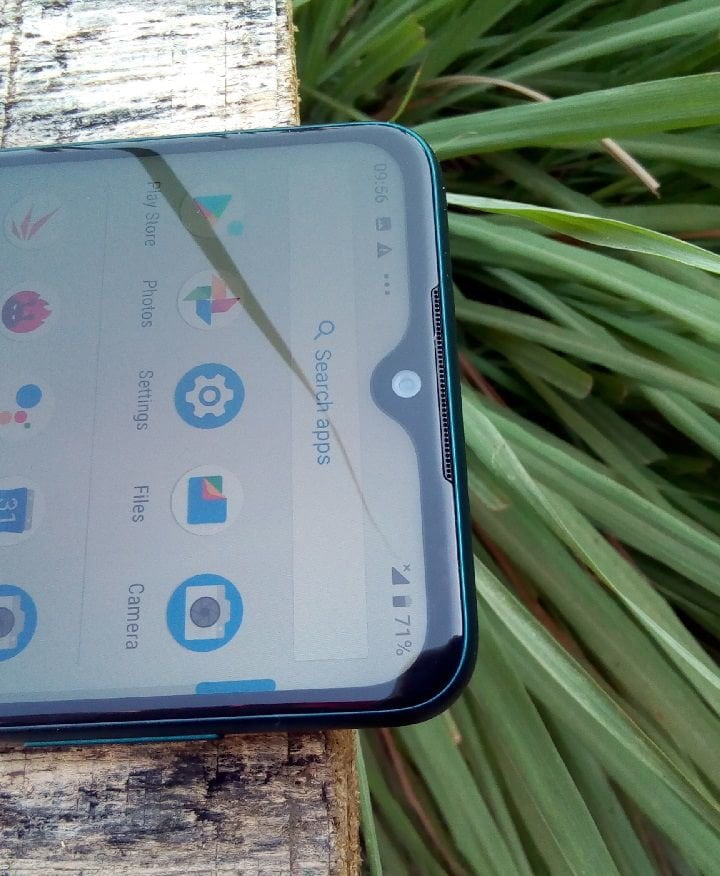
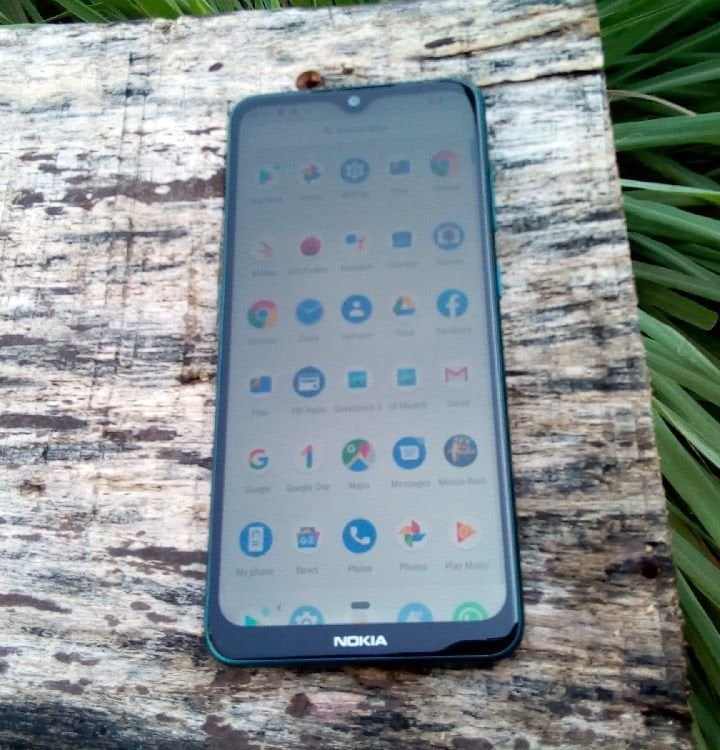
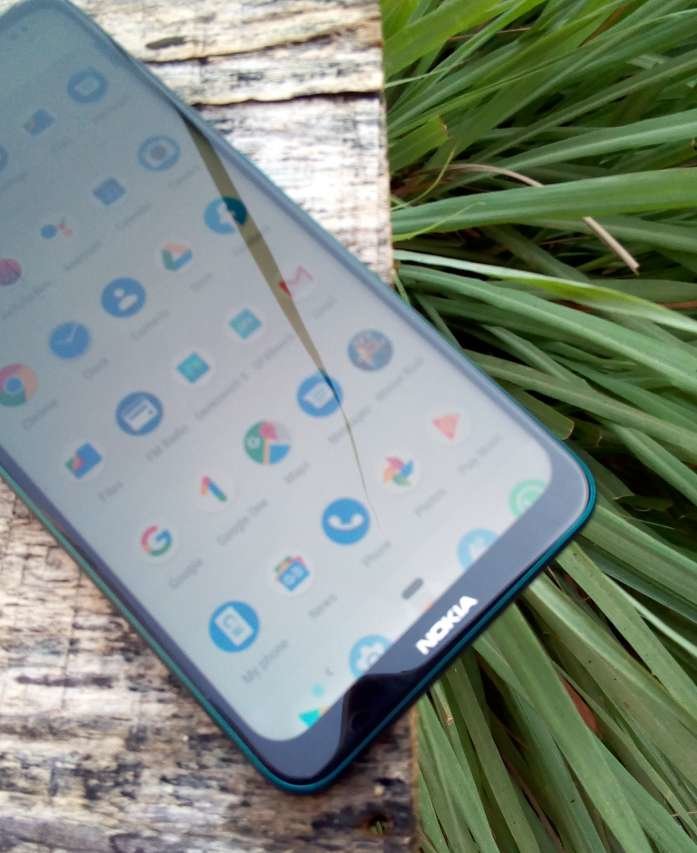
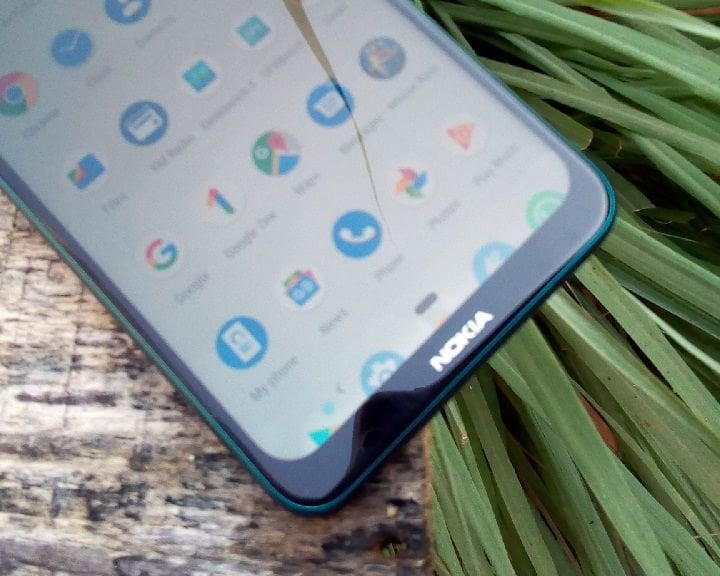
I have a Tecno device that I struggle to see who my caller is during outdoor use. Well, for the Nokia 7.2, you should definitely have no issues using the device outdoor, even under direct Sun light. The device has a burst brightness of about 585nits, with a contrast ratio of about 1342:1. Wrong tilting under direct sunlight can make certain colors look washed out, however, you can still see you icons and menus well painted on the screen. But even at that, I’ll would say you shouldn’t expect the same experience with other screen techs, especially OLED display, you might be disappointed.
How responsive is the touch panel on the Nokia 7.2?
The display feels very fluid and responsive, besides, there is a Corning Gorilla Glass 3 on top of the screen to protect against accidental drops. It comes with 10 point touch panel which has proved accurate through most of my typing. However, sometimes, I still do notice the screen ignoring some of my touches, with the worst scenario happening in a 3-consecutive time.
Is the Nokia 7.2 well optimized?
One of the major selling point of most recent Nokia smart phone is the fact that they ship on Google Android One Project. But what is Google Android One all about, and why should you care? Well, to simply put, Android One is more like a stock Google Android OS, like those on the Google Pixel 4 or the Pixel 4XL. The aim is to offer stock Android experience without any form of bloatware; no skin, no pre-loaded Facebook or Twitter app and no additional services. It was initially intended for low-end smart phones in emerging markets like the Infinix Hot 2.
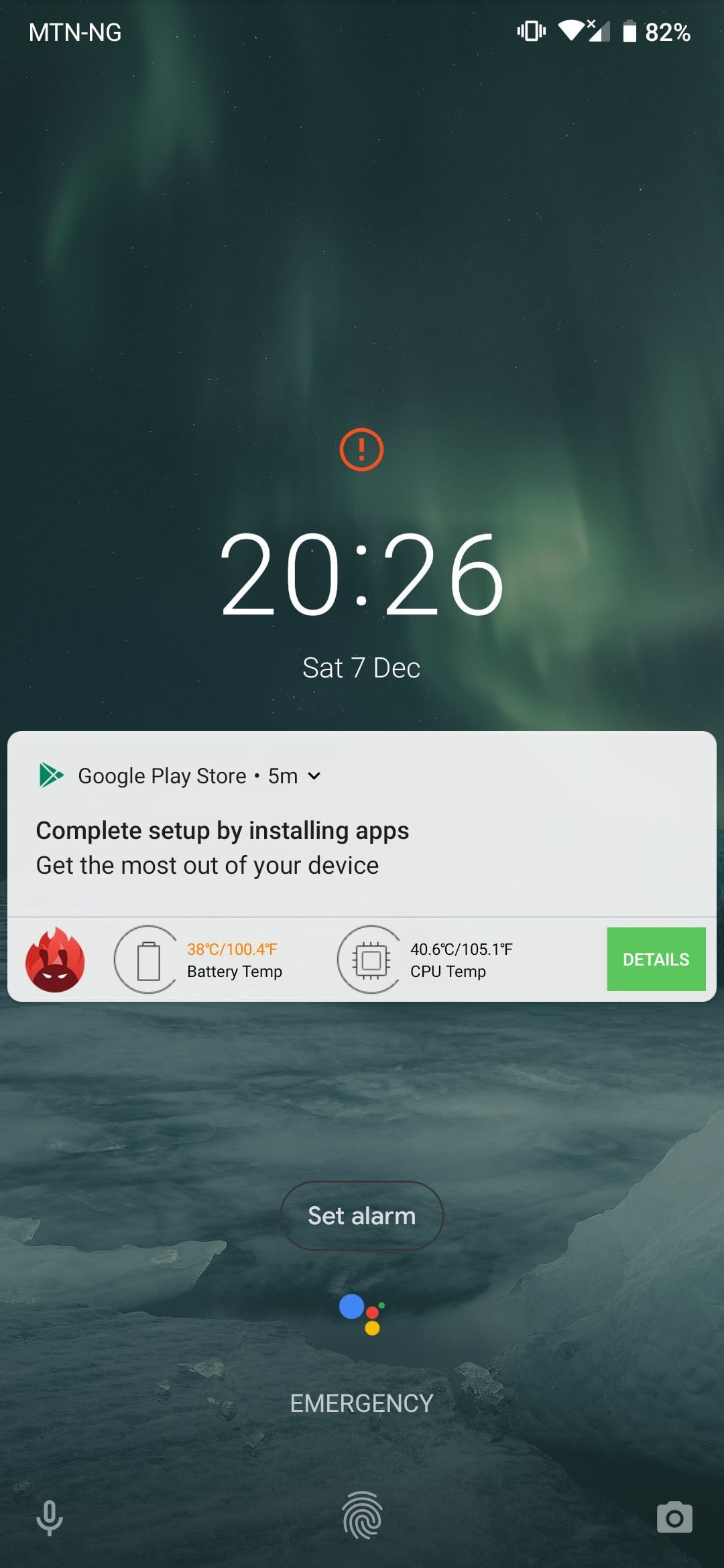
In recent times, Android One has made it way to mid-range smart phones, a trend largely pioneered by Nokia smartphones. The absence of manufacturer’s bloatware and third party customization already means that the device, given the CPU and RAM, will perform at it best possible, which was our exact experience with the Nokia 7.2.
The device, even though it is got a mid-range CPU feel very fast and ‘navigationally’ fluid. Aside the above, it is also important to note that each Android One phone is guaranteed to get at least three years worth of security updates from its release date, and up to two years of major Android releases, too.
Security and Android 9.0
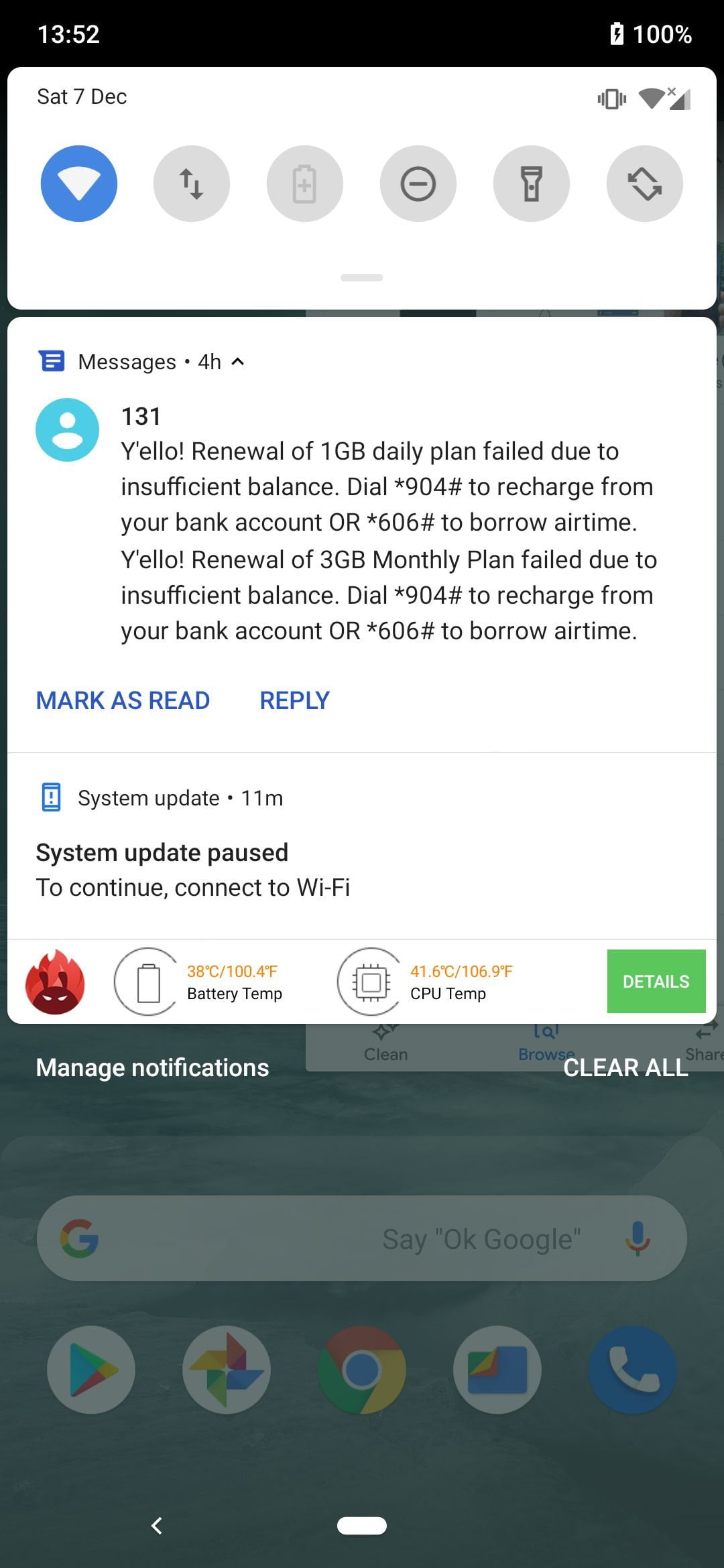
My Nokia 7.2 review unit still runs on Android 9.0 (Pie), and the system is currently asking me to update Google security patch for November 2019 already available via OTA. Now, aside the software security patches, the device also comes with a physical rear fingerprint scanner which can also be use to grant application access as well as bill payment on popular platforms like Google Play store, plus, the sensor worked perfectly as you would expect from mid-range device such as 7.2.
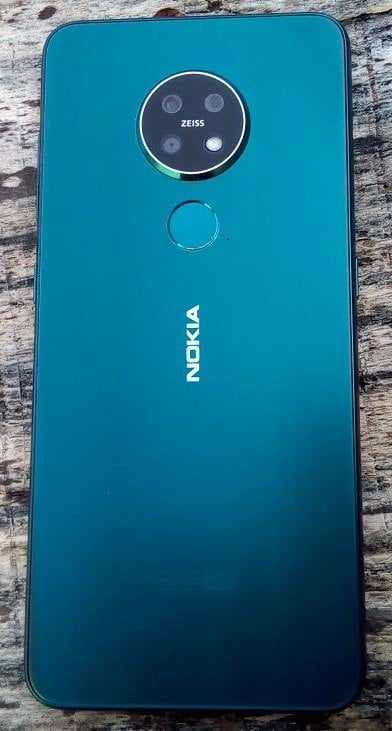
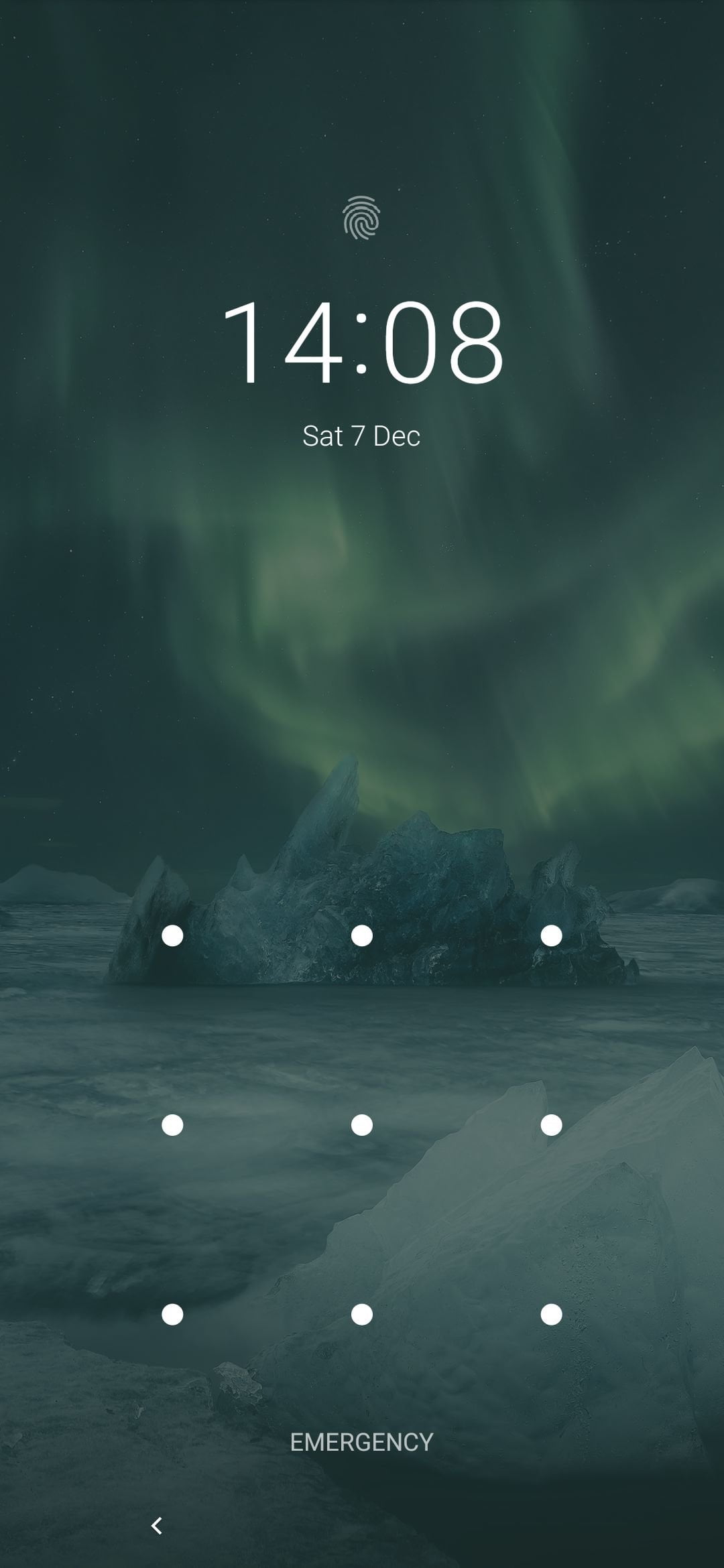
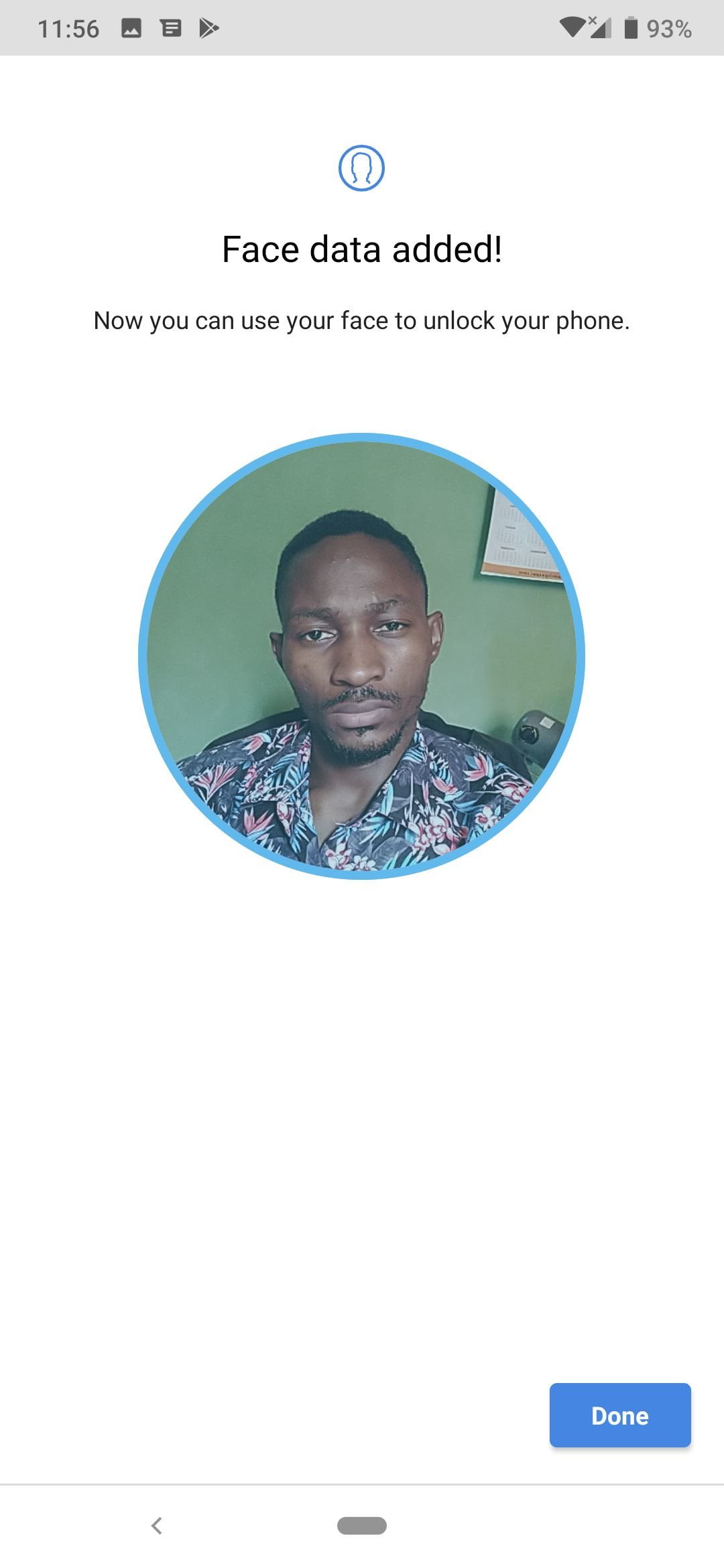
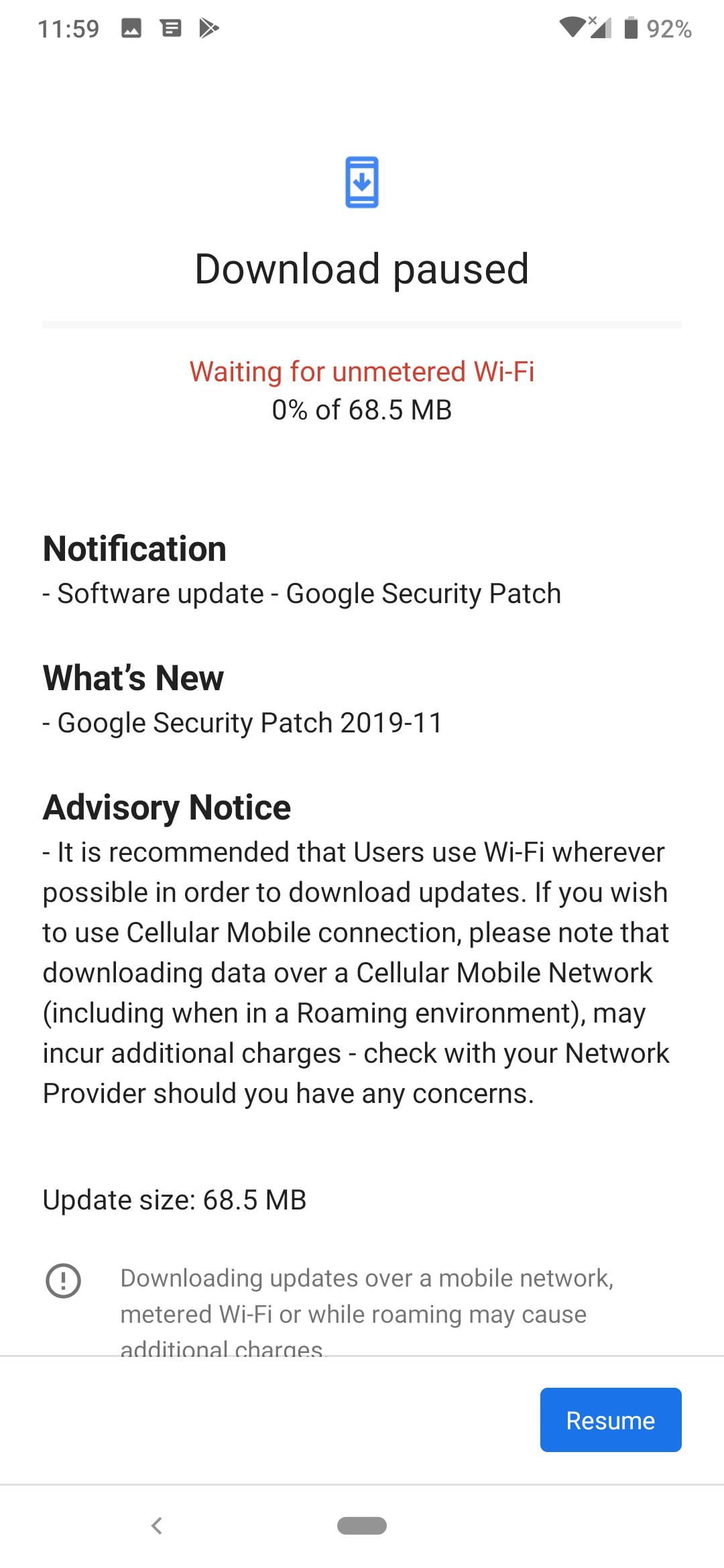
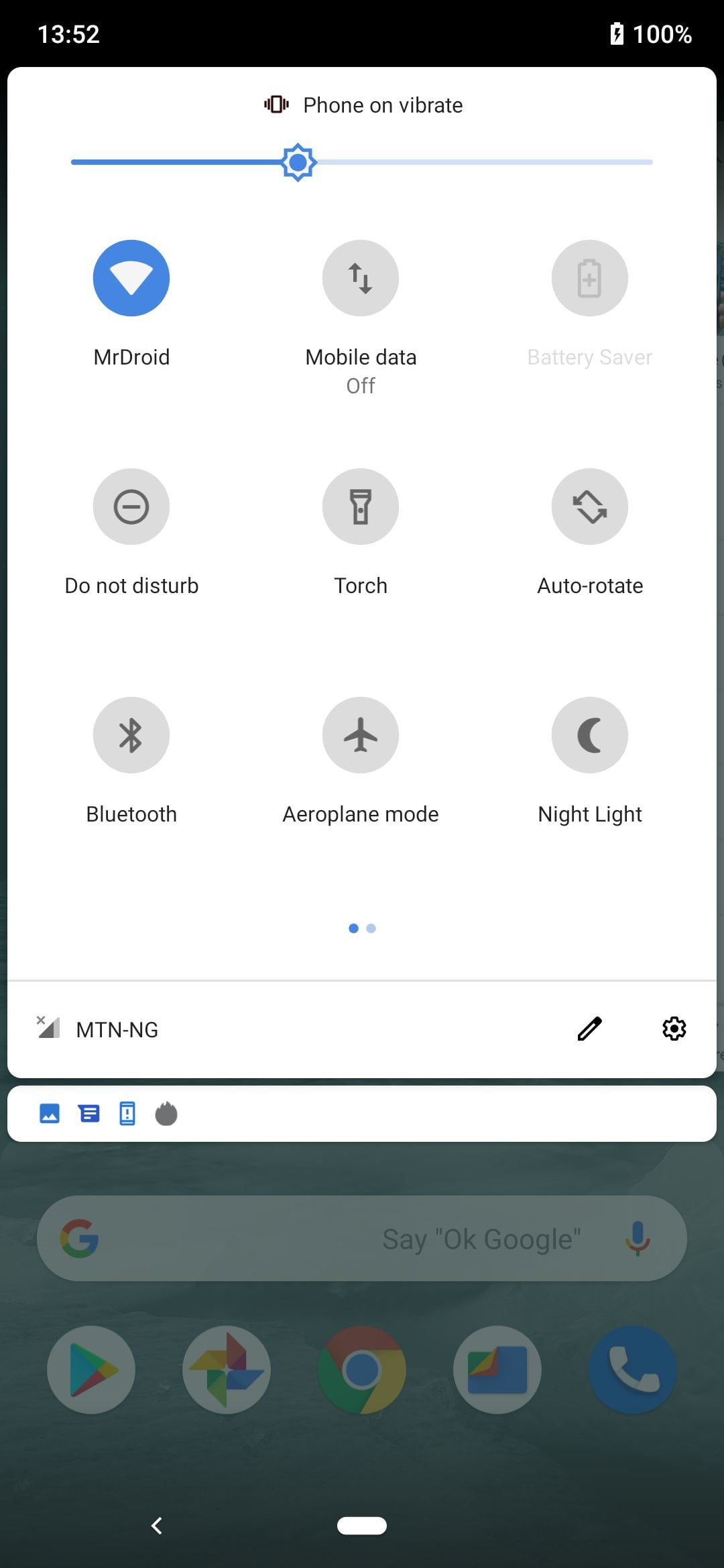
Not only that, the sensor can also be used to control your notification drawer. For example, a single swipe downward will bring down your notifications, and another swipe same direction will expand the notification toggles. Reversing the steps above will undo the the process.
Among the default android locks, there is also a FaceID which worked very OK in most light scenarios. But don’t even think of using Face Unlock at night, because the Nokia 7.2 does not have front-facing LED light. Tecno Mobile is currently gaining grounds in this area, as most of it recent notch smartphones like the Phantom 9, come with LED flash upfront, which lights up for proper facial recognition especially at night.
Interface and Apps Pre-loaded
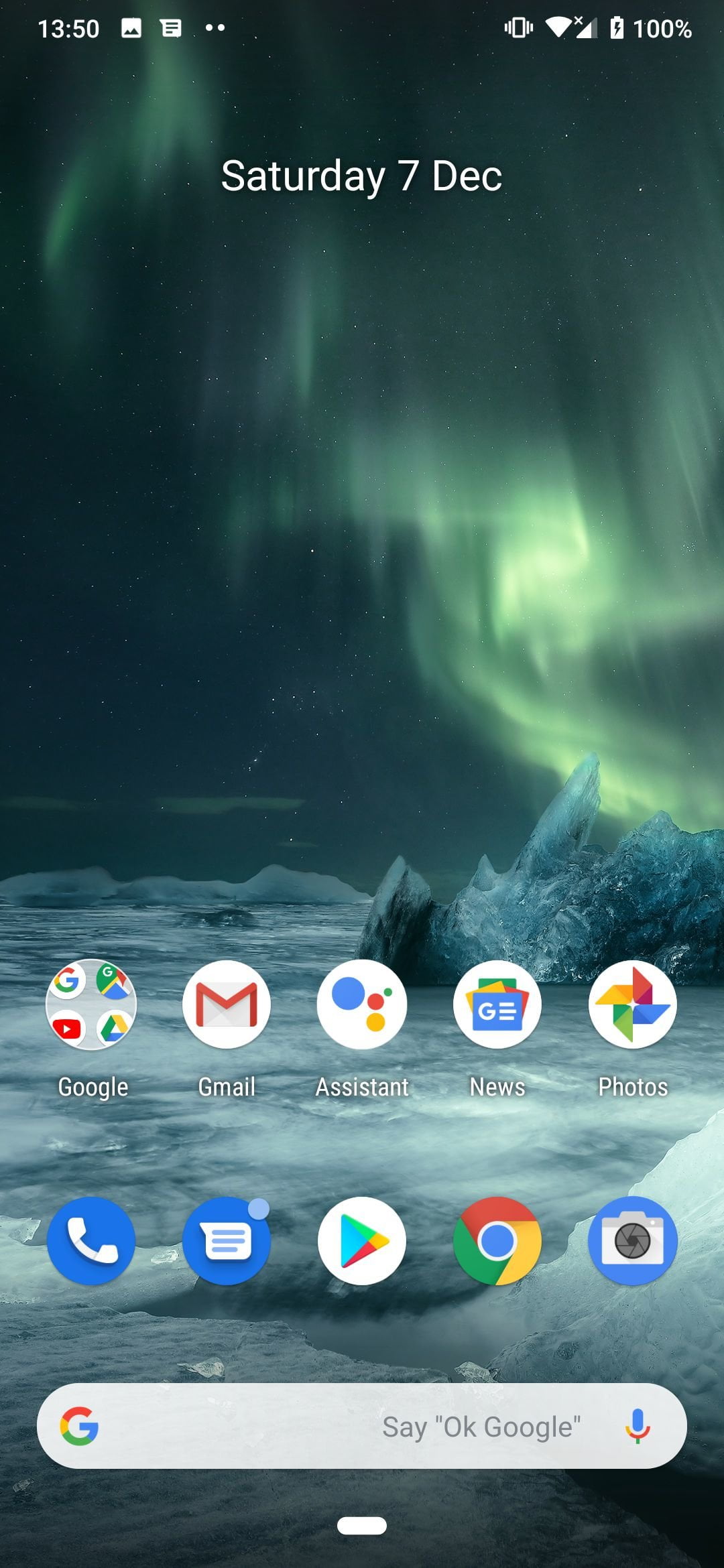
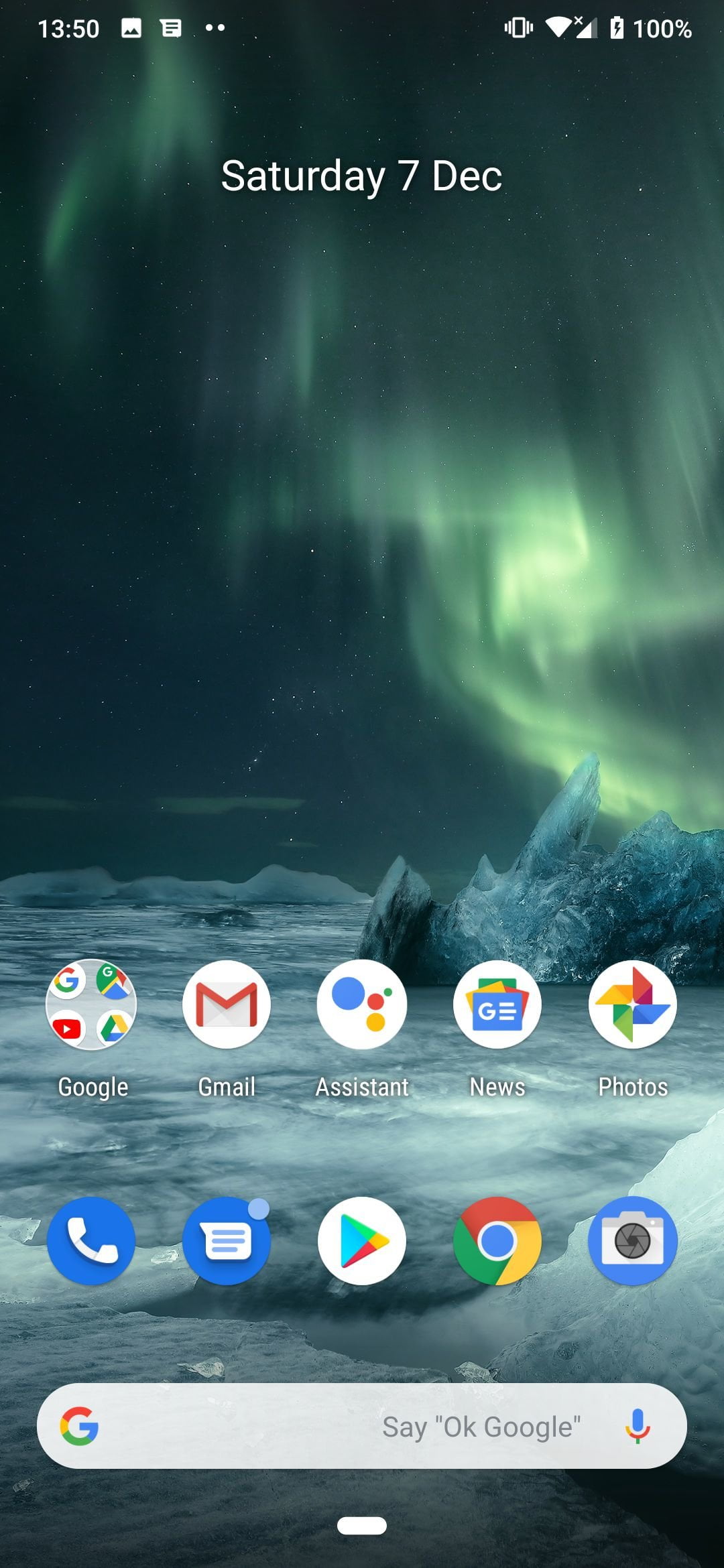
With this phone, you are getting real Android 9.0 just Google intended it; no additions, no customization. The interface is uses Android pill-based navigation. This means, there is no menu, soft or hard capacitive navigations. You’ll only notice a soft pill pane and a return key below the display, which controls majority of you operations on the device.
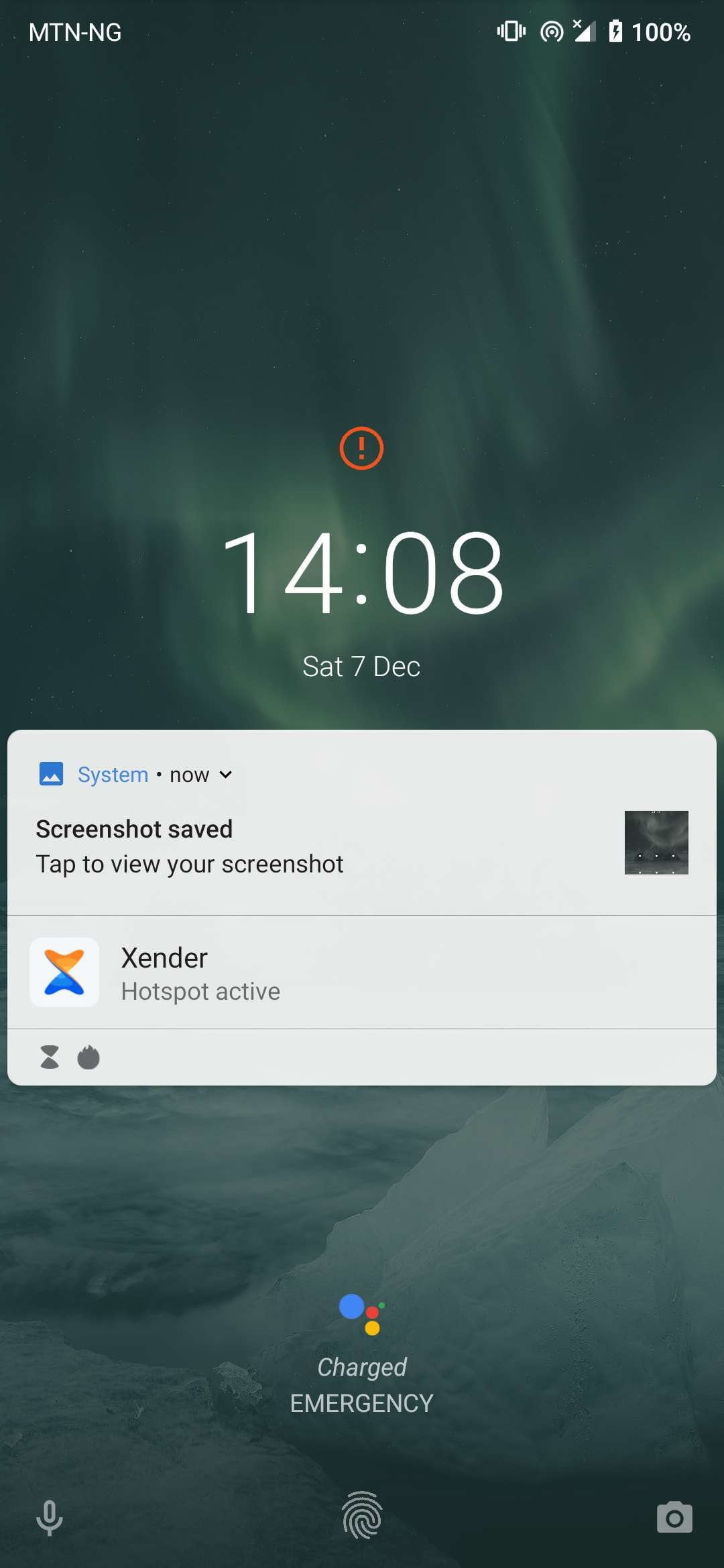
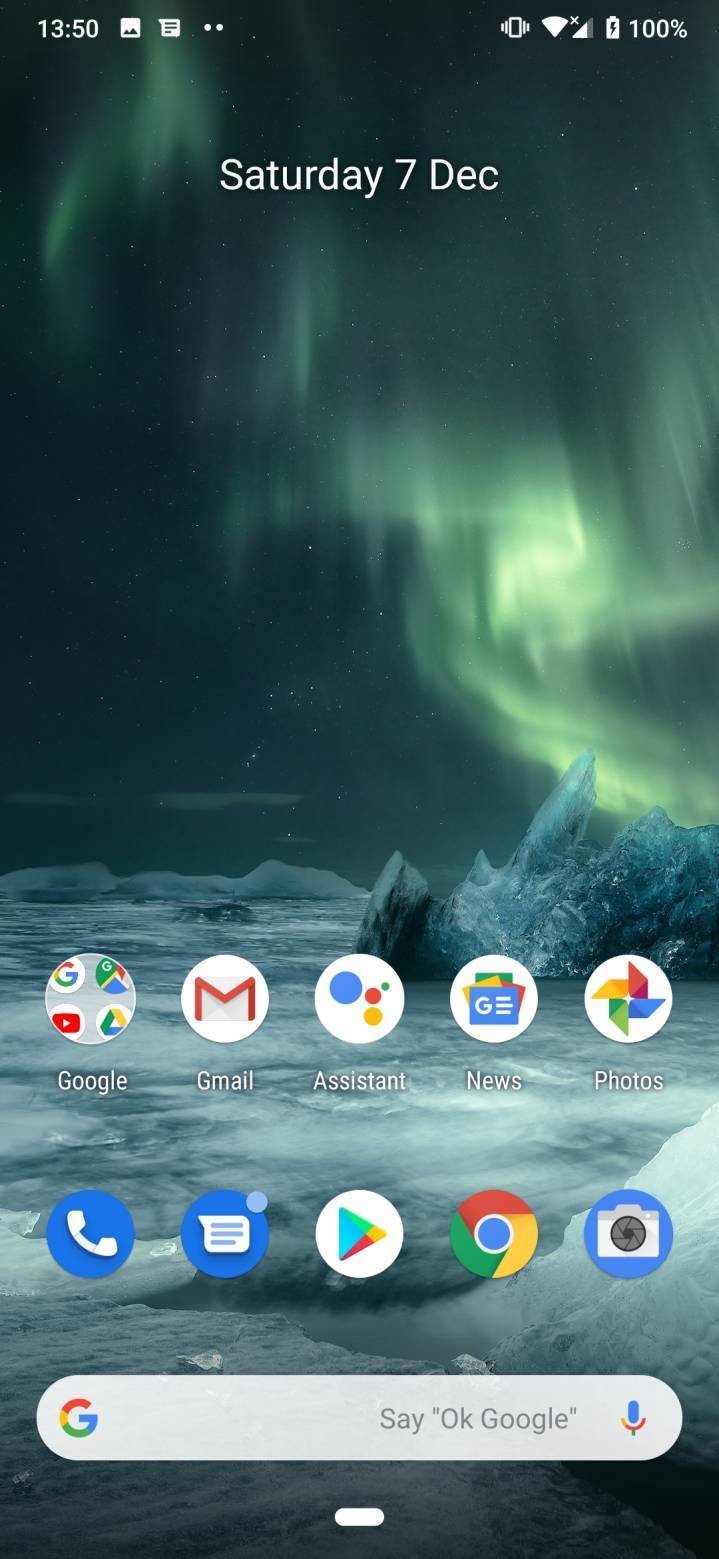

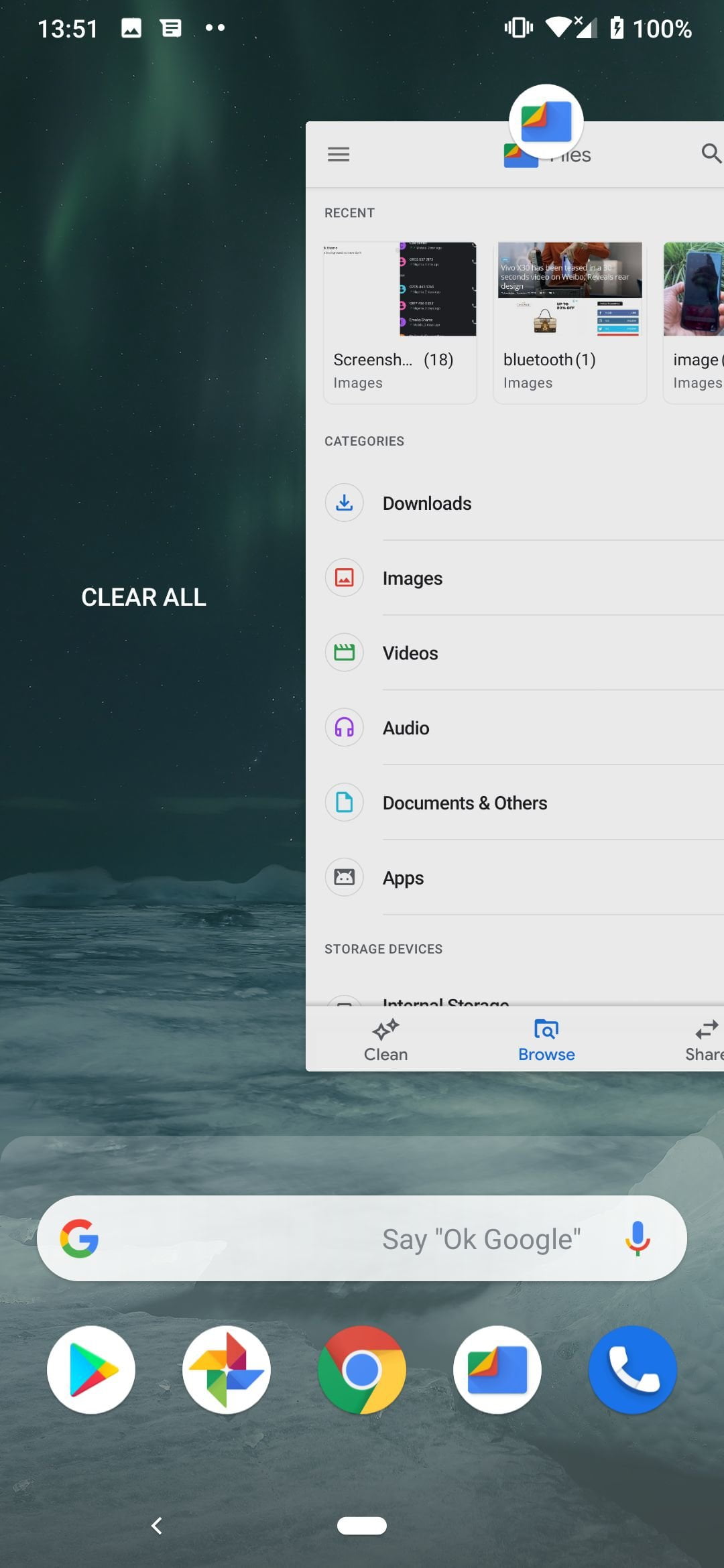
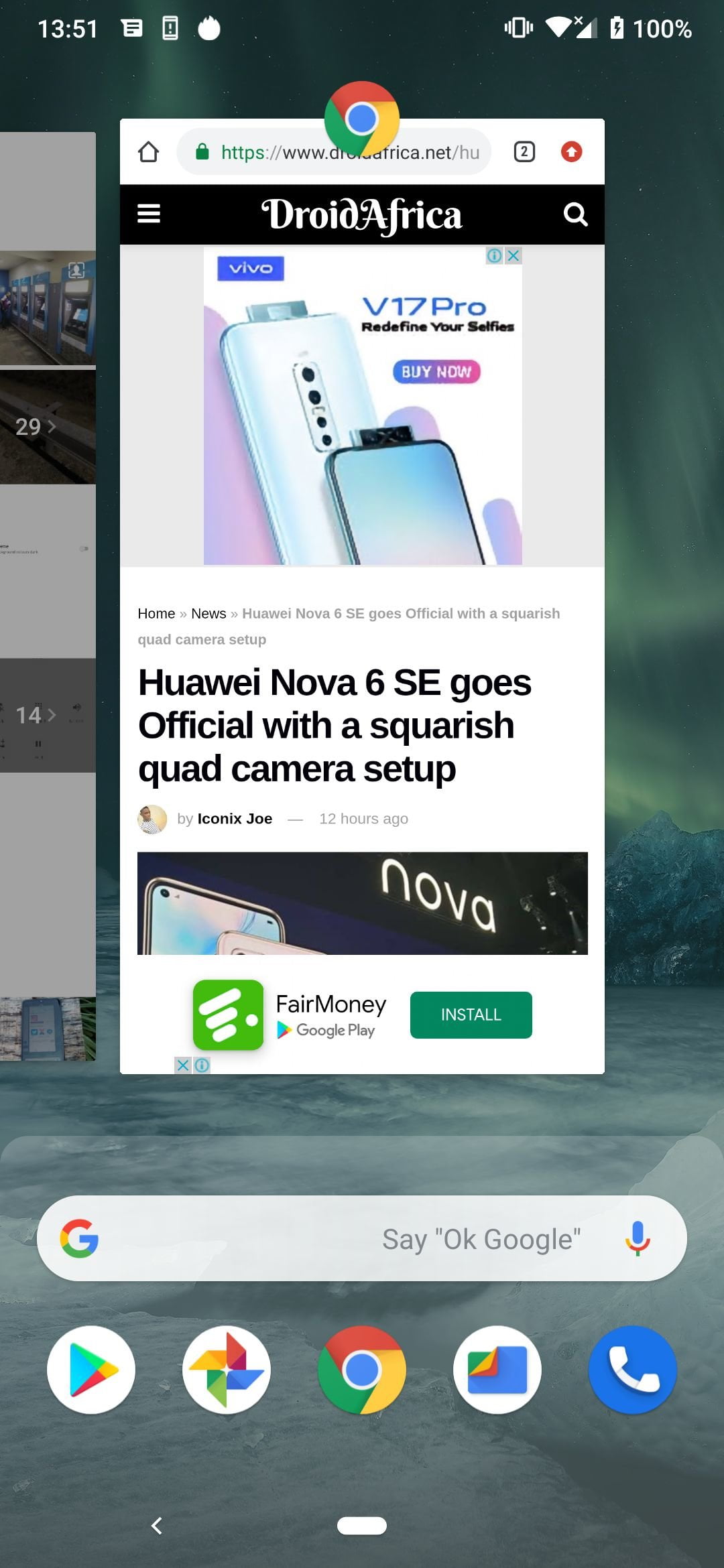
A short upward swipe from the pill button takes you to the task manager/multi-tasking screen, while another swipe upward at this point, or even a longer swipe up from the pill button will load your app drawer from any screen on the phone. You could also use same pill button to quickly switch between previously opened apps. Well, I’m sure you know what the return button does.
As for the pre-loaded apps, you are getting everything Google, from File management (left to google file), to calendar and other default Android apps. Google Photo handles all your gallery related needs from image viewing to video playbacks. For reasons unknown to me, mine does not come with any music player out of the box, a problem which was easily fixed by installing Play Music app from Play store.
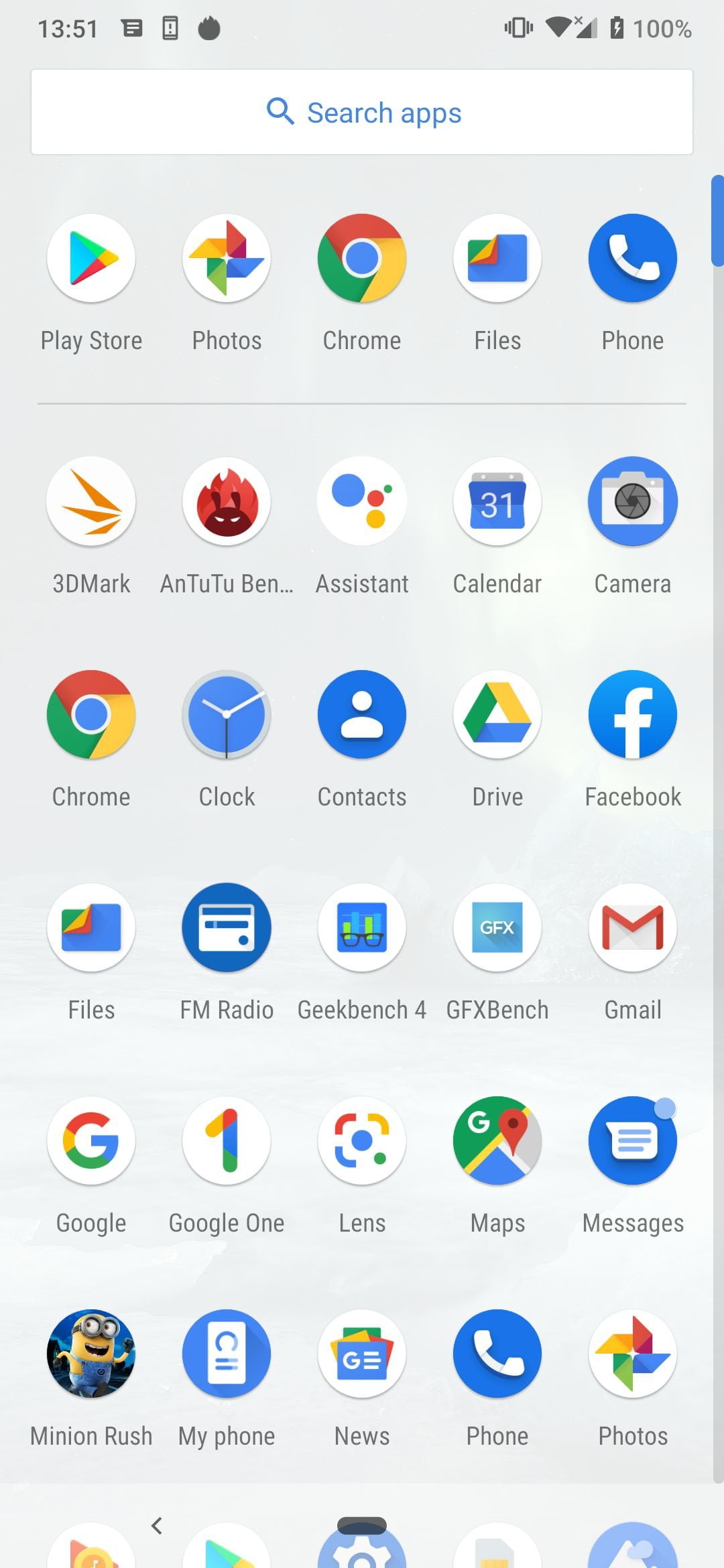
As for setting up the device, I did not spend much time in the setting app before adjusting the device to my needs. The setting interface is pretty simple to navigate, and if there is a particular option you couldn’t locate, you can easily search it out from the search bar in the setting page.
Communication and Call Quality
My unit is a dual SIM version, which supports two Nano-SIMs, but there is also a single SIM model. The two SIM slot have support for 4G LTE network. Interestingly, I found the data transfer speed on this device to be a lot faster than most devices I’ve used lately.
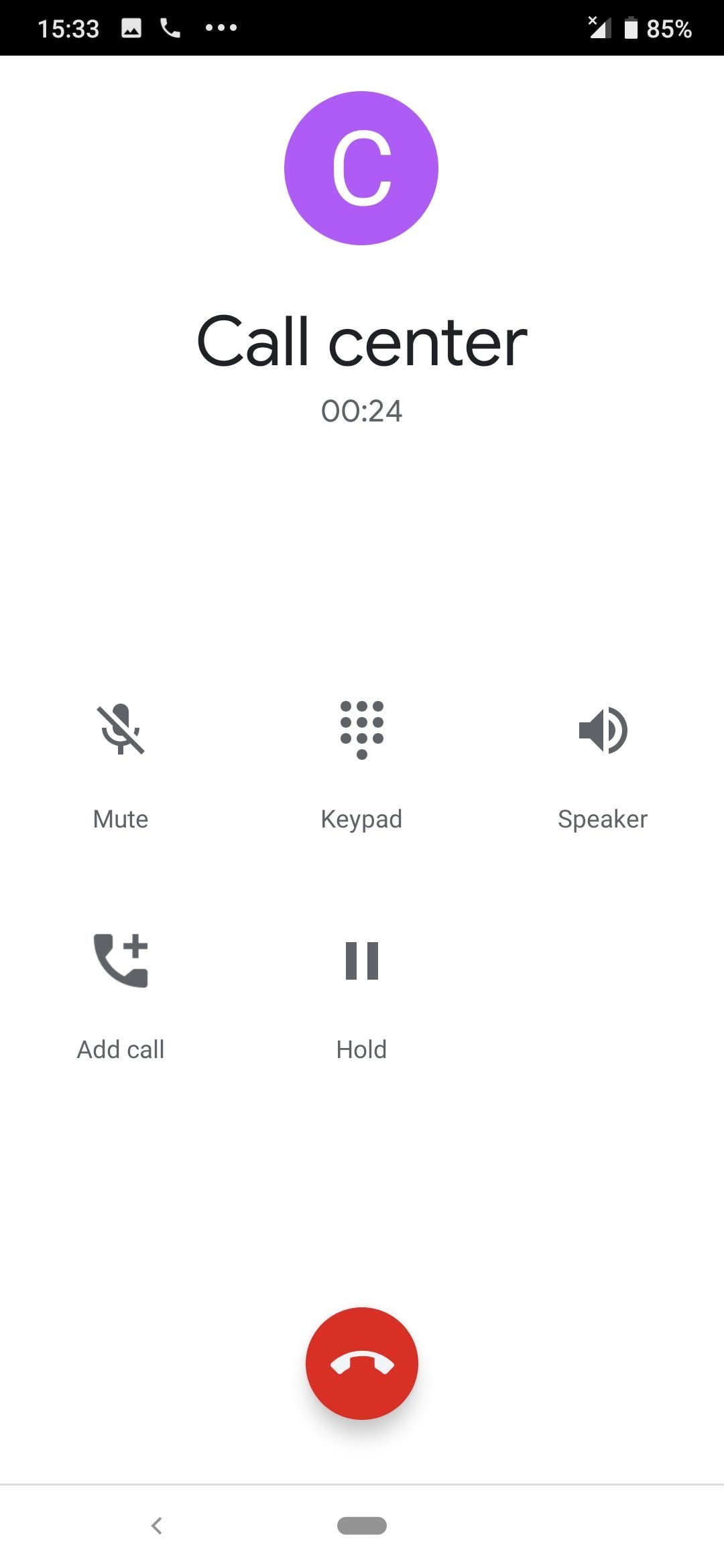
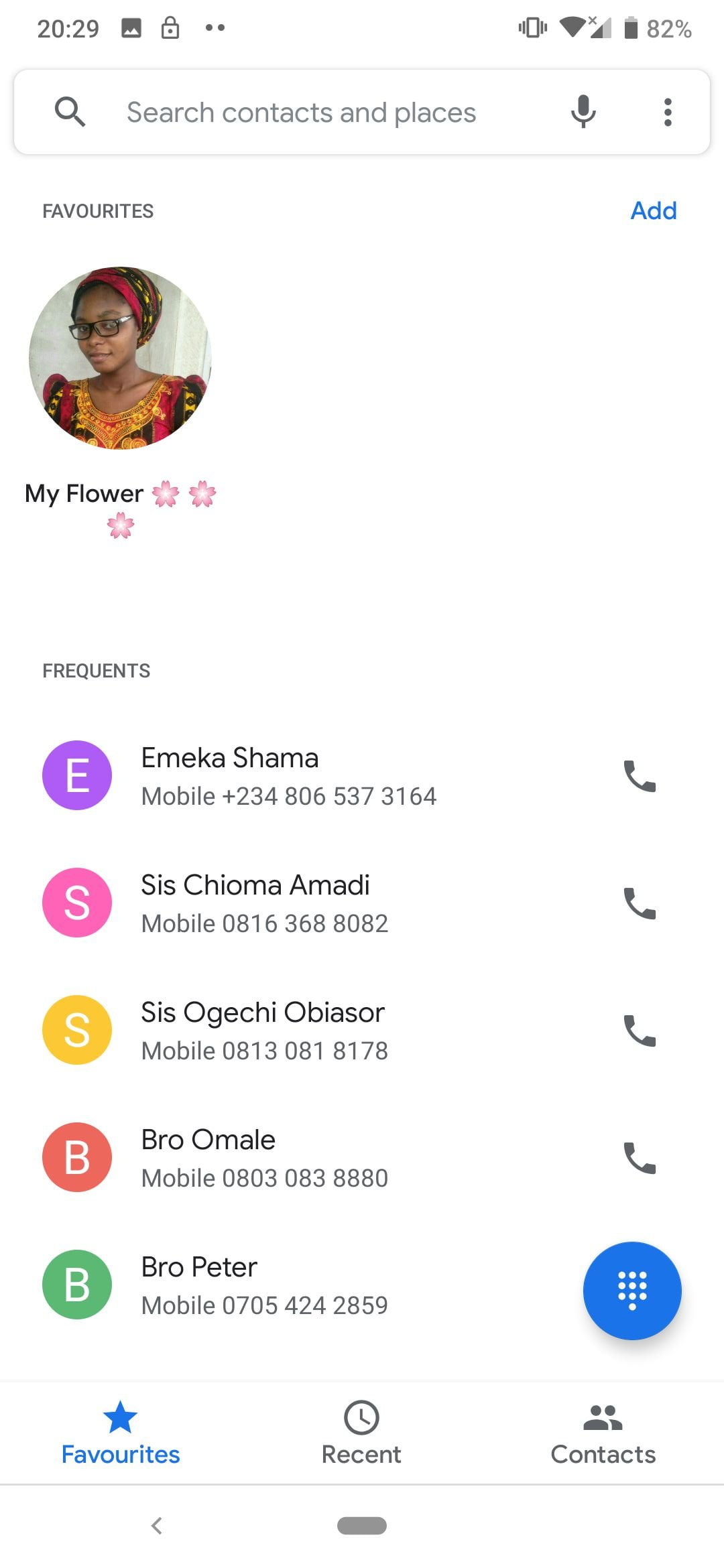
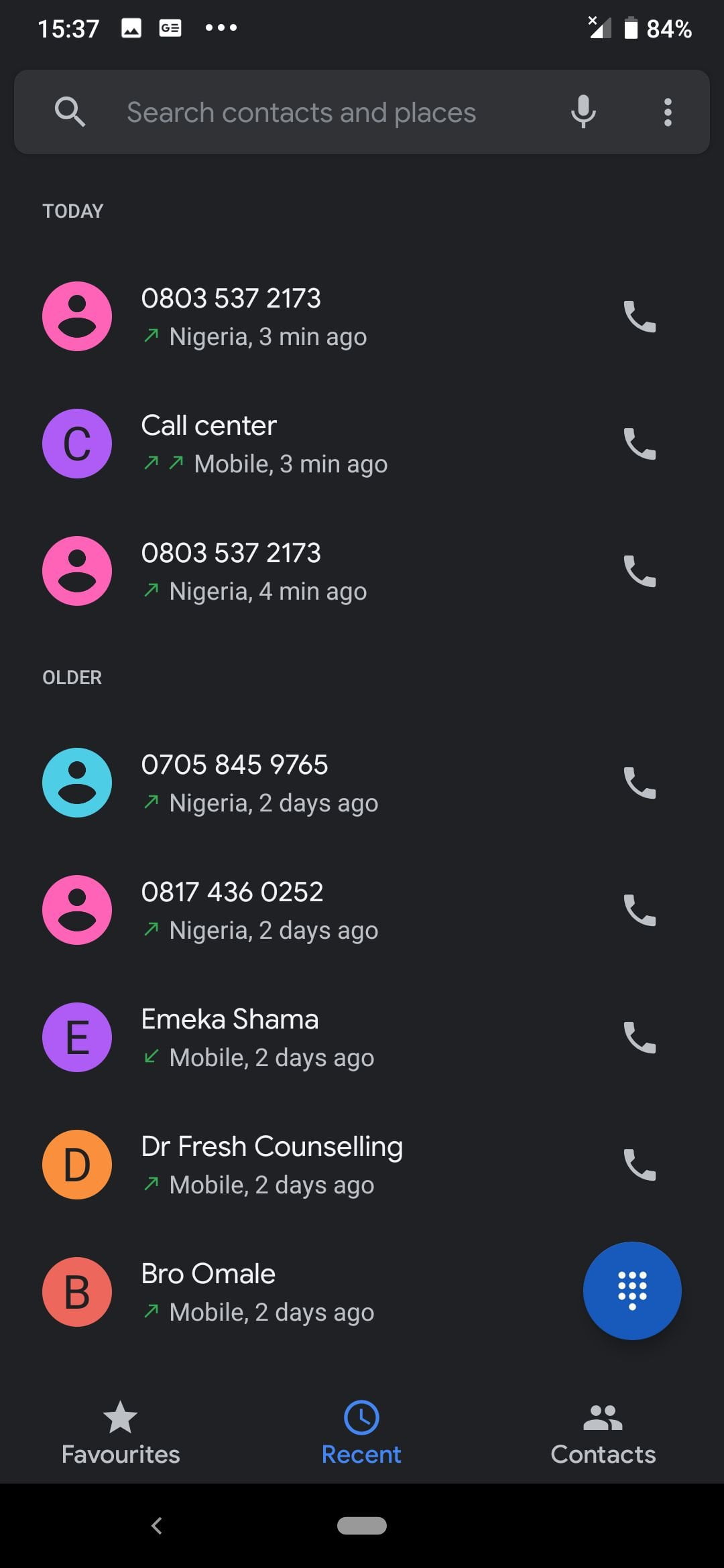
The dialer interface is standard AOSP interface. I never had any issue with call quality or network reception, and if you wish, you could even switch your dialer skin from classic white, to a pretty cool dark skin, either for fun, or as protection for your eyes.
I have some expectations from the Nokia 7.2. Will we see its launch in nigeria?
Do you mean Nokia 7.2 or Nokia 7.3? 7.2 is already available across Nigeria. You can even get it via Nokia’s official store on Jumia at 114K
Do you mean Nokia 7.2 or Nokia 7.3? 7.2 is already available across Nigeria. You can even get it via Nokia’s official store on Jumia at 114K
I have some expectations from the Nokia 7.2. Will we see its launch in nigeria?