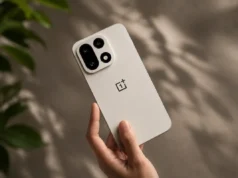
OnePlus has started rolling out the OxygenOS 15.0.0.840 update for the OnePlus 13. With build number CPH2649_15.0.0.840(EX01), the update is currently reaching a limited set of users, with a broader release expected soon. Here’s what’s new in the update.
New Mind Space Feature
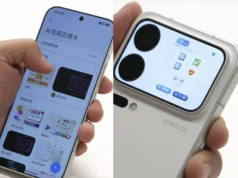
This update introduces a “Save to Mind Space” function, allowing users to save screen content as memories. The Mind Space app then summarizes and archives these memories automatically.
AI Perfect Shot for the Camera
The camera now includes AI Perfect Shot, which detects faces and can swap facial expressions from different photos of the same person to improve the final result. A soft light filter has also been added in both Portrait and Photo modes for smoother, more flattering effects.
Improvements to the Photos App
Users can now edit videos and live photos directly in the Photos app. Videos can be saved as live photos and both formats can be turned into high-resolution images. The Photos homepage also allows more control, including the ability to hide specific albums from the main view. Video editing is faster, and videos recorded in 120fps will retain that frame rate after editing.
System Enhancements
A new multi-screen control feature allows one app to run in full screen while another operates in a floating window, making multitasking smoother. Dragging same-sized widgets together will automatically stack them. Additionally, OnePlus Sans and One Sans fonts now support more languages and can be managed via Settings > Display & brightness > Font.
App Upgrades
In the Clock app, a new feature gradually increases alarm volume, starting softly and getting louder. This setting is located under Clock > Alarm > Settings > Gradual alarm volume.
The Recorder app now supports custom group creation to help organize audio files. It also automatically groups recordings made in Standard, Meeting, and Interview modes into an “In-person recordings” folder.
Notification and Quick Settings Updates
A new “Temporarily block” option lets users stop notifications from specific apps by swiping up on a notification banner—useful during gaming or video watching. This setting is found under Settings > Notifications & Quick Settings > Banners > Temporarily block.
Quick Settings also adds a Restart button for quicker access to rebooting the device.
Mini Windows and Security Improvements
Mini window functionality has improved; windows can now be dragged to the bottom of the screen, and a display issue related to mini windows has been resolved. The July 2025 Android security patch is also included in the release.
(source)